

IMPORTDATA stays on Loading or #N/A after a redirect or a 403
Updated
IMPORTDATA downloads a CSV or TSV from a URL that an anonymous fetch can read in one step. A browser will follow a 301 from http:// to the https:// file and show the table. IMPORTDATA often does not. The cell is #N/A with Could not fetch url, or it stays on Loading…. A 403 is the same tooltip: the server refused the request. There is no redirect to copy. The final address has to answer 200 with the file.
A host that does not exist, and a URL that is HTML rather than a delimiter file, are IMPORTDATA fetch. A file that arrives and then splits on the wrong character is IMPORTDATA delimiter. Keep the Google Sheets UI in English. Sheet Error is an independent formula-error library, not a Google product.
Recreate it on a blank sheet
Section titled “Recreate it on a blank sheet”- Open a blank spreadsheet. If Allow access appears the first time you import, click it once. That banner is permission for Sheets to fetch URLs. It is not the 301.
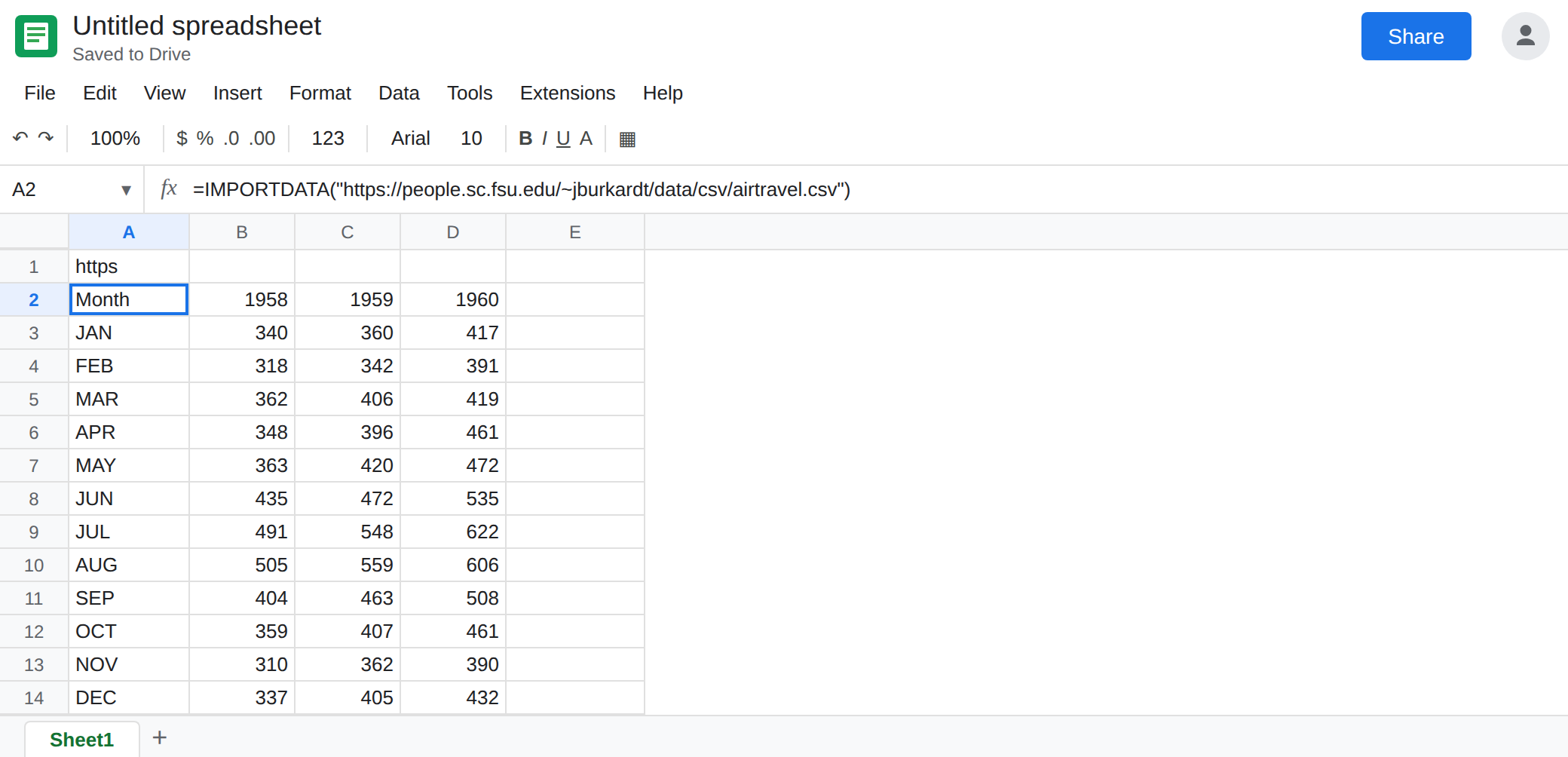
The https file. In A1 type https. In A2 enter:
=IMPORTDATA("https://people.sc.fsu.edu/~jburkardt/data/csv/airtravel.csv")
After the fetch, A2 spills a small CSV (months and passenger counts). That spill is the control. The URL is https, and the server answers 200 with text/csv. This is the same public file the fetch page uses as a working import. Leave it.
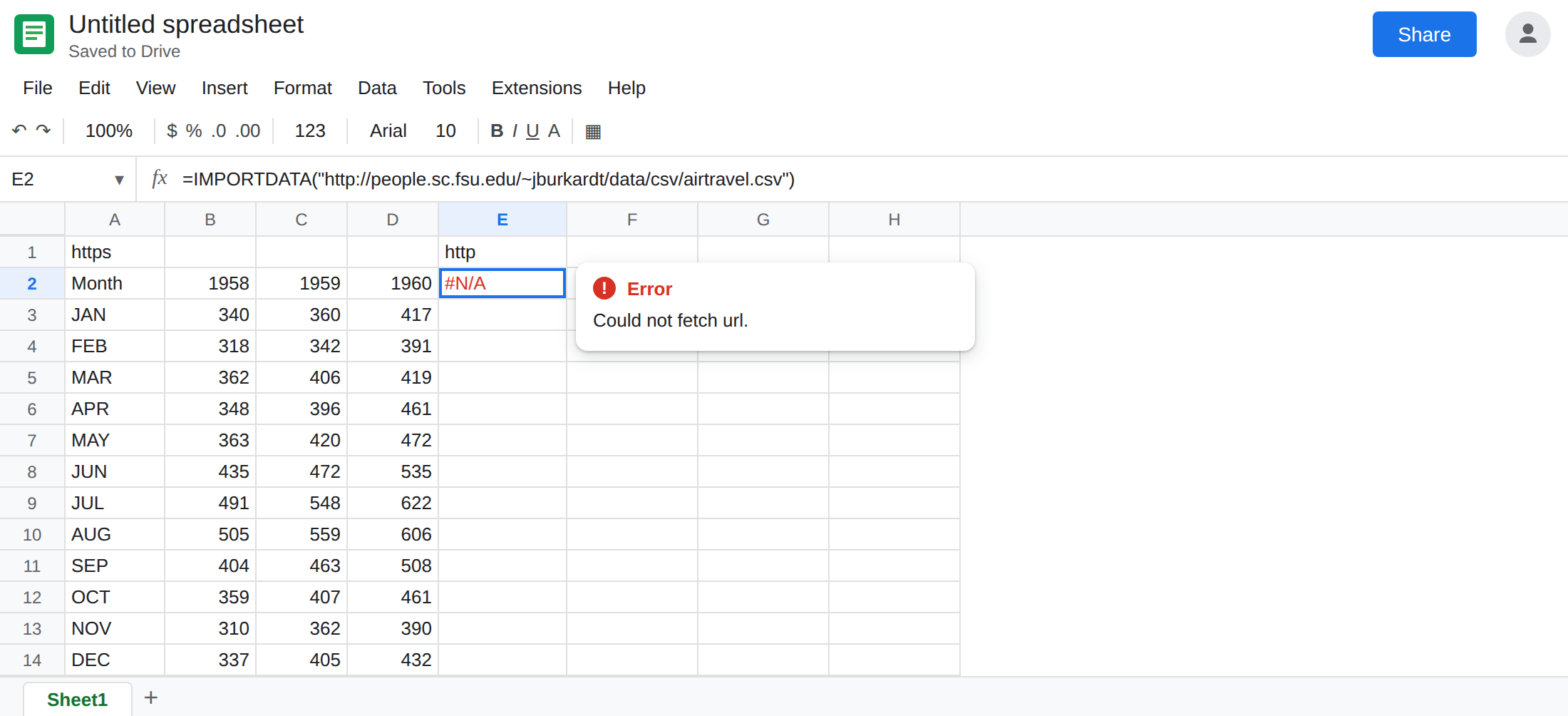
The http address that 301s. In E1 type http. In E2 enter:
=IMPORTDATA("http://people.sc.fsu.edu/~jburkardt/data/csv/airtravel.csv")
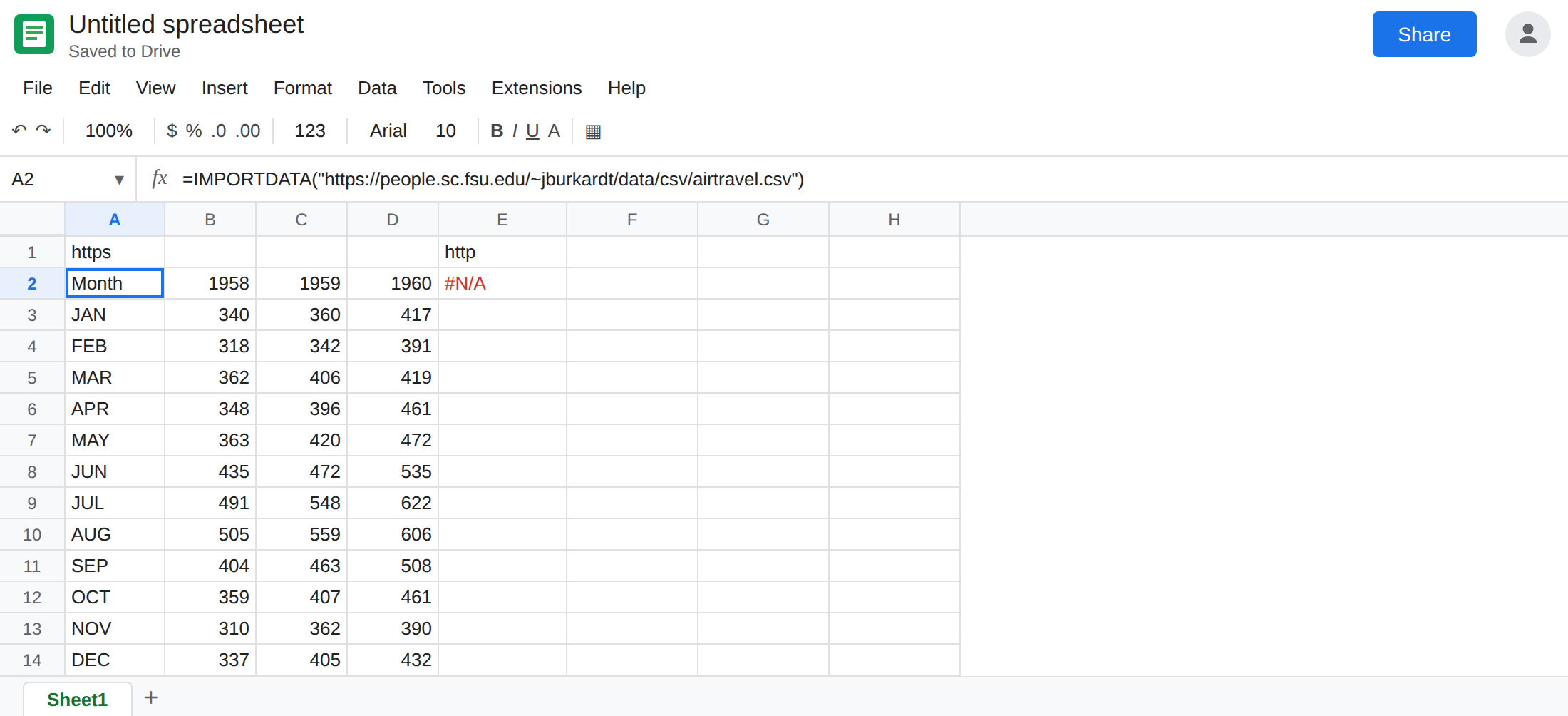
A browser opened on that exact URL hops to the https address and shows the file. The hop is a 301. E2 is #N/A. The tooltip is Could not fetch url. Or the cell sits on Loading… / Loading data and never spills. Leave E2 in that state. If your account follows the 301 and E2 spills the same table as A2, keep the https formula anyway. The 403 below will not spill.
A 403. In E4 type denied. In E5 enter =IMPORTDATA("https://httpbin.org/status/403"). The server answers 403. There is no CSV body to split. E5 is #N/A, Could not fetch url, or it stays on Loading…. Leave E5 broken. Sharing settings on a Google Sheet export URL do this too: export?format=csv on a file that is not link-visible is a refusal, not a delimiter problem.
Leave E2 and E5 broken. Leave A2 as the spill.
What is actually wrong
Section titled “What is actually wrong”IMPORTDATAwants the bytes of a delimited file. A 301 response is an instruction to look somewhere else, not the file. When the function does not follow that instruction, the tooltip is the same Could not fetch url you get for a dead host. The network reason is different. A2 and E2 are the same path with a different scheme.Loading…means the fetch has not produced a table yet. Import functions use that word. A custom script that says Loading is Apps Script custom function. Give E2 a real wait. If it is still Loading after the https cell has spilled, the redirect is not going to finish as a table.- 403 means the anonymous request is not allowed. Clicking Allow access in Sheets does not log you into the site that returned 403. A private spreadsheet, a CDN that blocks datacenter fetches, and httpbin’s status URL all refuse. Paste the URL in an incognito window. If you are asked to sign in, or you see a forbidden page,
IMPORTDATAwill not see the CSV either. - A 200 of HTML is the other page. The function may fetch it and split on commas into a mess, or say the content is empty. See IMPORTDATA fetch. E5 never gets a body to split.
- The third argument of
IMPORTDATAis a locale for numbers inside a file you already fetched. It does not choose https, and it does not send a cookie. See IMPORTDATA delimiter.
This is not IMPORTRANGE. Two Google spreadsheets use Allow access on a #REF!. See IMPORTRANGE access. E2 is #N/A from a URL fetch.
Leave E2 and E5 as the failures.
Use the URL that is already https and already 200. Keep A2. For any other file, open the address in a browser, let it redirect, and copy the address bar after the hop. Put that url in IMPORTDATA. Do not keep the http:// form, a shortenener, or an export link that bounces through a login.
A 403 does not have a hop to copy. Publish the CSV where a signed-out browser can download it, or File → Share the source spreadsheet as Anyone with the link and use the export URL that then returns the file without a Google login. If the owner must stay the only reader, IMPORTDATA is the wrong tool. Use IMPORTRANGE for a sheet you can connect, on that function’s page.
Do not wrap E2 in IFERROR. You would hide a fetch that has not landed and show a blank where the table should be. See IFERROR vs IFNA.
If IMPORTDATA is #N/A and the browser only sees the file after a 301 or a login, replace the formula’s URL with the final https address that returns the CSV to a signed-out window. If the file spills and the columns are wrong, you are on the delimiter page. If the host does not resolve at all, you are on the fetch page.